Product
Ordering page, kitchen and dashboard. Finally one system.
Every surface has a clear job and hands off to the next. No feature overload, just short paths from guest to kitchen.
Setup · Wizard
A few questions, fully set up.
The guided assistant walks you through step by step: find your restaurant, logo, design, order types, delivery area, hours, menu. Everything saves automatically. Then your ordering page is live.
- Google search prefills profile, hours and reviews
- Menu import from PDF or photo
- Draw your delivery area right on the map
Order flow
One order, four surfaces.
Step through the flow: guest, table, kitchen and dashboard stay connected instead of becoming separate tools.
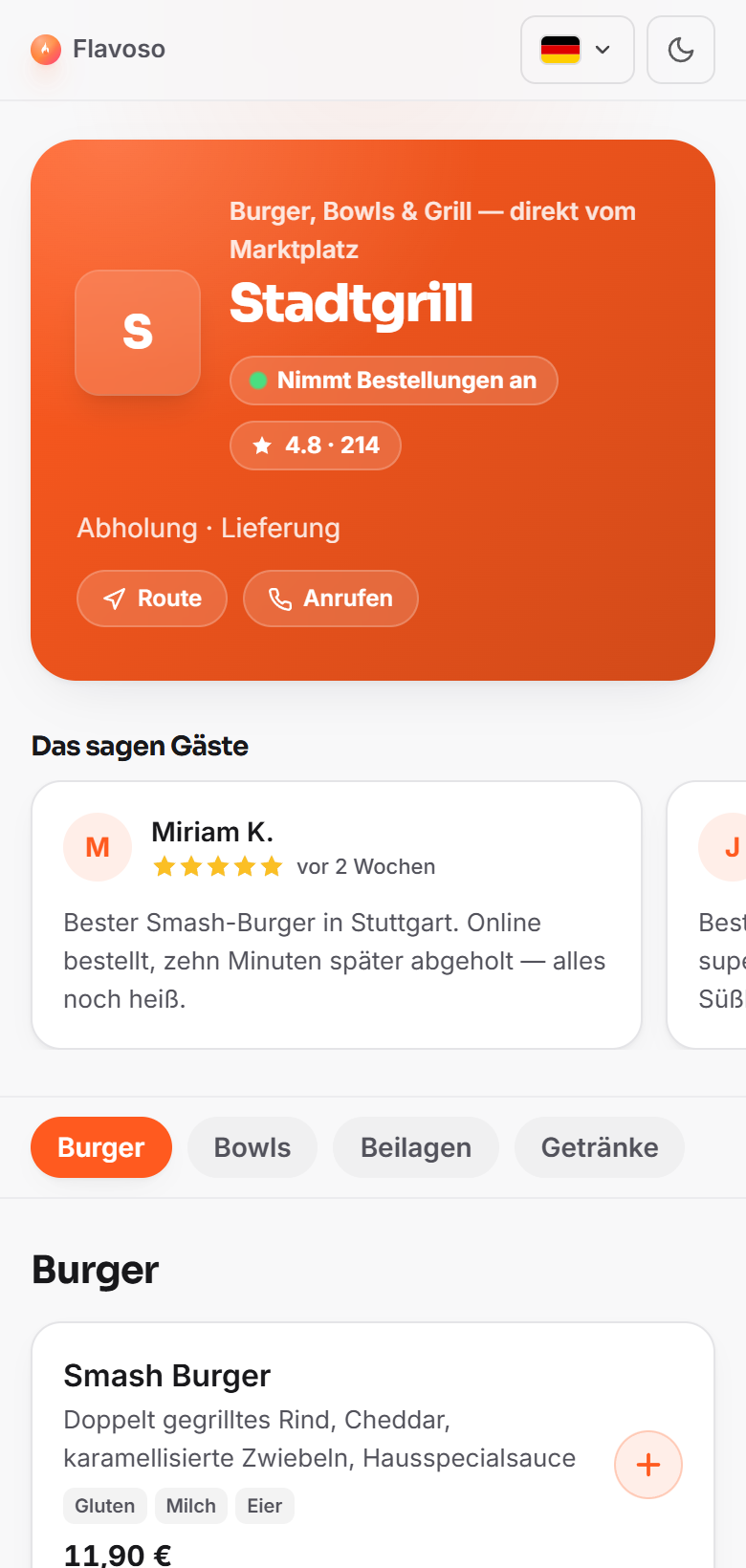
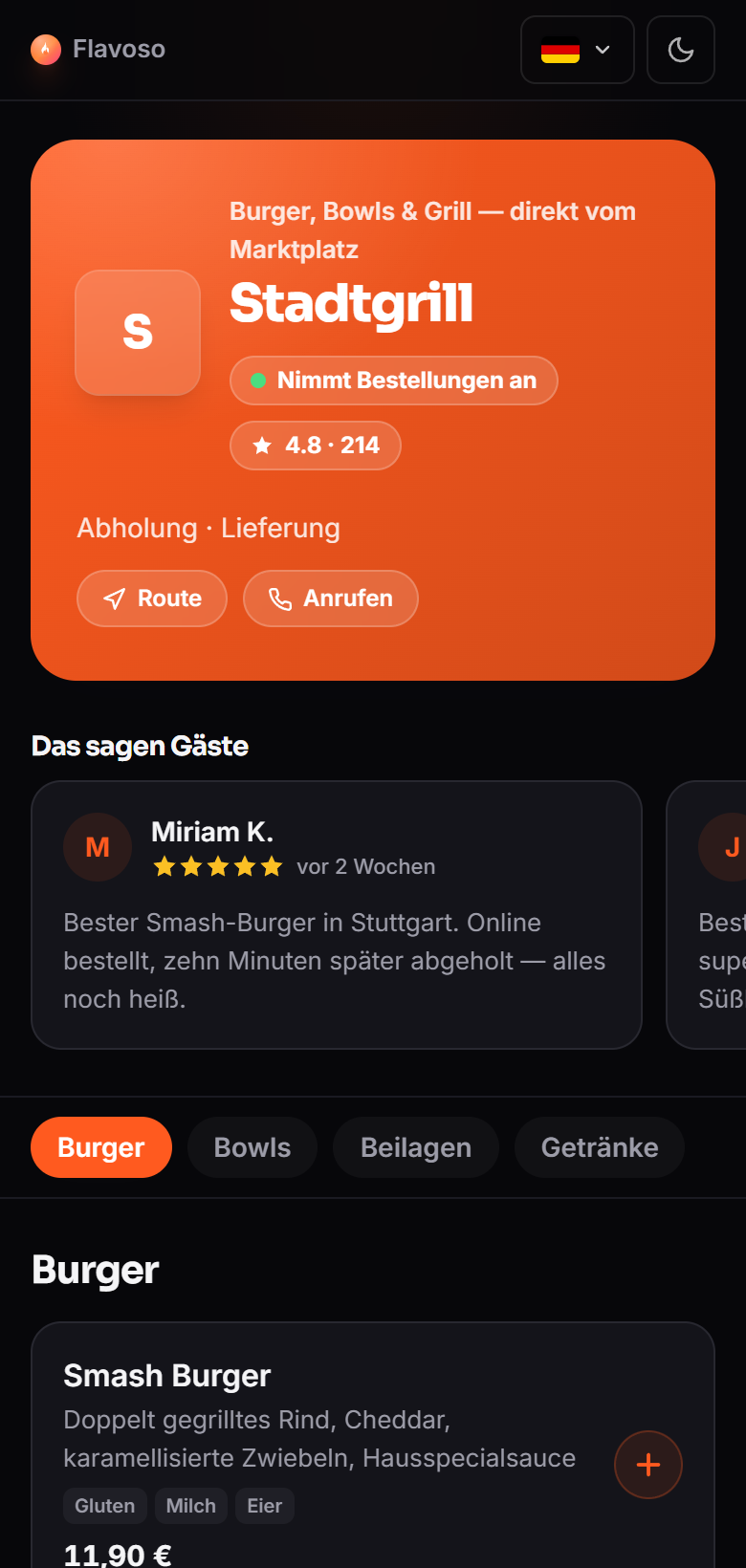
01 · Storefront
Guests order directly from you
Your menu as its own page or embedded into your existing website. Pickup, delivery and paying on site make sense to everyone at a glance.
- Categories, products, allergens
- One line of embed code
- Your own colours and logo
Included
Everything included, no fine print
The essentials for your own ordering channel are built in from day one.
Your own ordering channel. Today.
Start free, set up your menu and take your first order. No commission, no risk.